Login

If TIMOCOM is already active on another device, you will be logged out of that device. Unsaved information could be lost.

You are a new customer and not yet registered? Register here
You are already a customer and wish to add a new user? Add here
TIMOCOM GmbH / www.timocom.com / Legal notice / Data protection / terms and conditions
Any questions? Contact our customer service team..
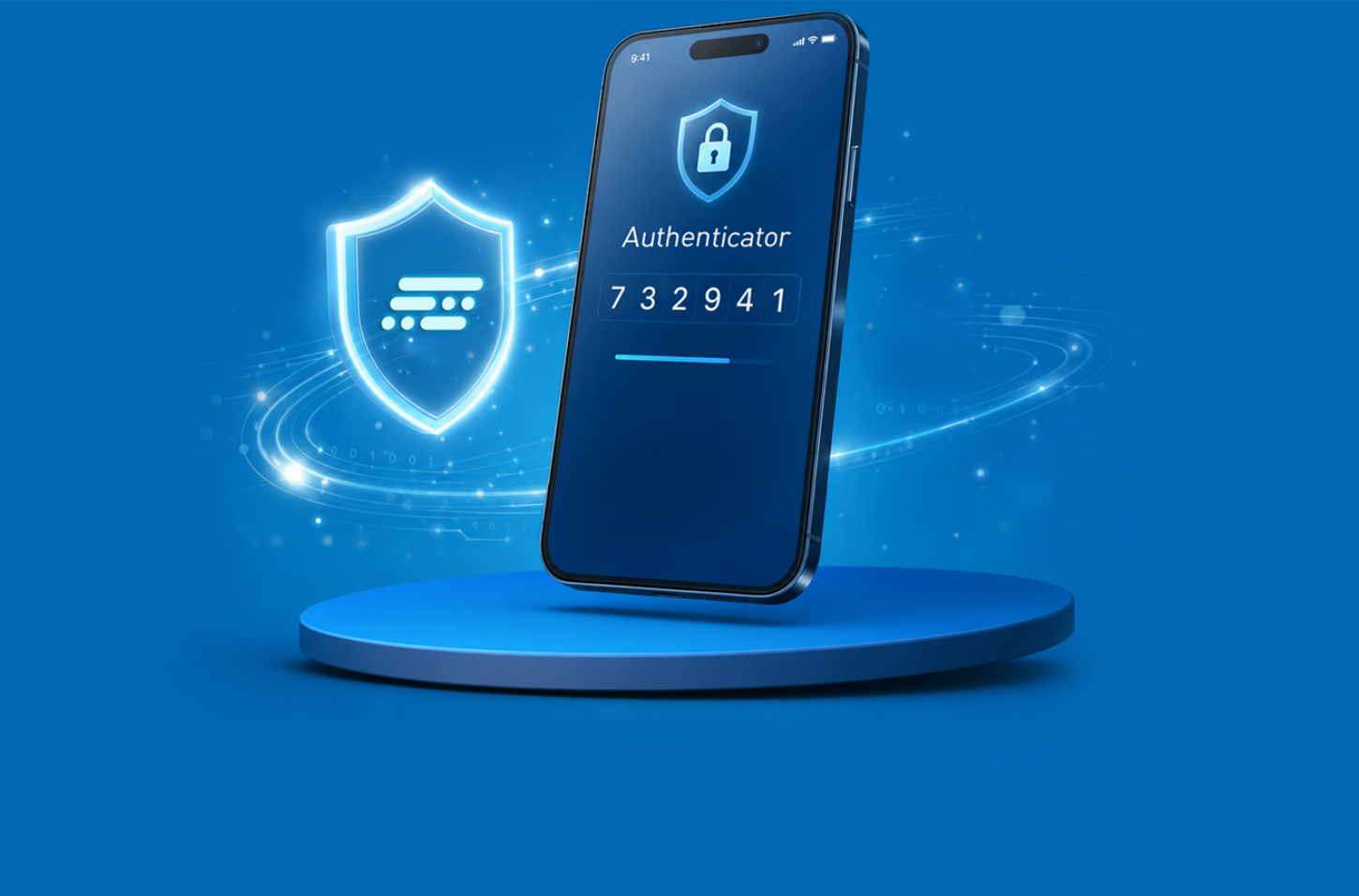
Keep fraudsters out of your TIMOCOM account
Activate two-factor authentication via an app.
After logging in:
  1. Open the settings (top right)
  2. Go to Login (left menu)
  3. Click on Set up now (in the Authentication section)